recast-navigation-js



recast-navigation-js
Examples | NavMesh Generator Website
- 📐 NavMesh generation
- 🧭 Pathfinding
- 🧑🤝🧑 Crowd simulation
- 🚧 Temporary obstacles
- 🌐 Web and Node support
- 💙 TypeScript friendly
- 🖇 Easy integration with three.js via @recast-navigation/three and playcanvas via @recast-navigation/playcanvas
📣 navcat is a new, pure JavaScript navigation mesh generation and querying library that uses the same algorithms as recast and detour. Consider giving it a try! This library will continue to be maintained and track the upstream repo, so you can choose the best fit for your project. See here for a feature comparison: navcat vs other libraries
Overview
recast-navigation-js is a WebAssembly port of the Recast and Detour libraries. Recast is a state of the art navigation mesh construction toolset for games, and Detour is a path-finding and spatial reasoning toolkit.
This library provides high level APIs that make it easy to get started creating navigation meshes, querying them, and simulating crowds. It also provides lower-level APIs that give you fine-grained control over the navmesh generation process.
Usage
There are a few common ways you can make use of recast-navigation-js, depending on your needs:
1. Runtime NavMesh Generation, NavMesh querying with Detour APIs
You can use this library to generate a navigation mesh at runtime for procedurally generated or frequently changing environments, and use Detour APIs for pathfinding and spatial reasoning on the navigation mesh.
2. Offline NavMesh Generation (Recast Format), NavMesh querying with Detour APIs
If your environment is largely static, you can generate a navigation mesh offline and import it at runtime. This is useful for larger environments where runtime generation would be too slow, or if you want to avoid the overhead of runtime generation.
The TileCache Detour API provides support for temporary obstacles, which can be used to create semi-dynamic environments.
3. Offline NavMesh Generation (GLTF or Custom Format), external NavMesh querying solution
You can opt to only use the navigation mesh generation capabilities of this library, and export the generated navigation mesh in a GLTF or custom format. You can then use an external pathfinding solution (for example, three-pathfinding) for querying the generated navigation mesh. (See recast-navigation-js & three-pathfinding example)
This is worth considering if:
- you need more flexibility than the detour WASM API affords
- you do have a dynamic environment
- you don't require more complex functionality in detour such as temporary obstacles and crowd simulation
- minimising your bundle size is important, and the WASM library file size doesn't fit within your budget
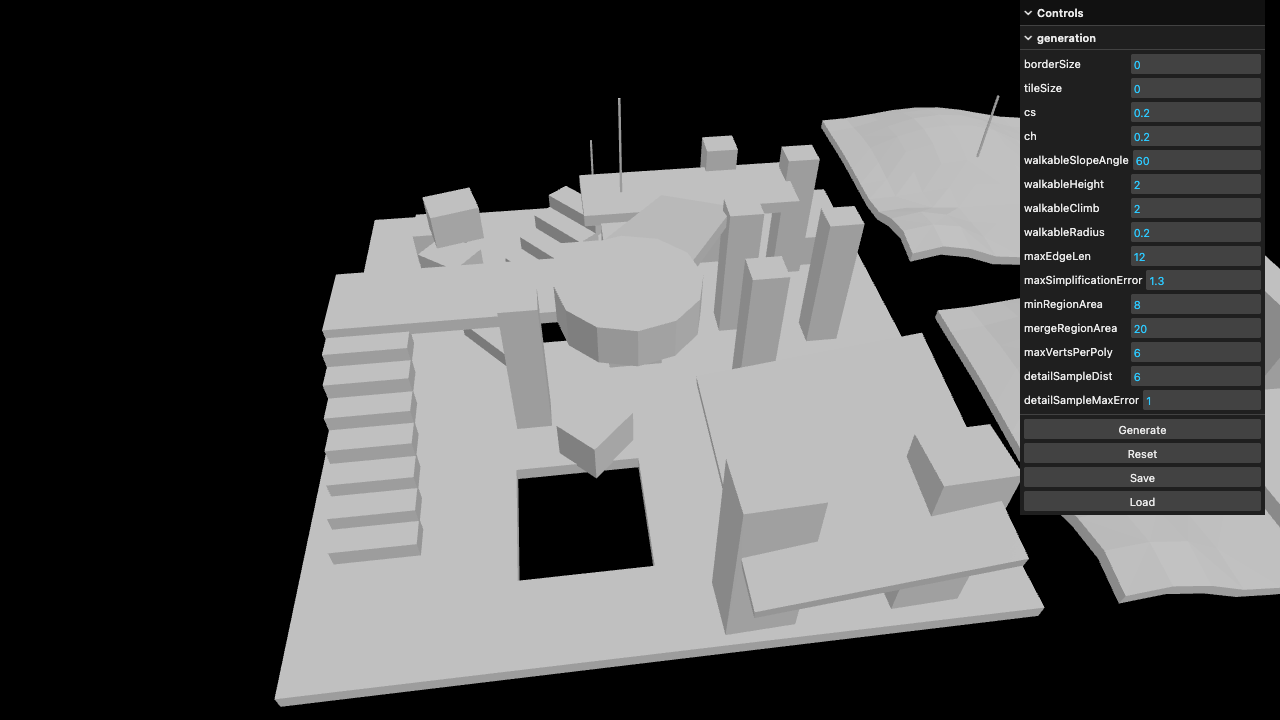
For simpler projects your navigation mesh generation needs may be entirely served by the NavMesh Generator website, which allows you to generate a navigation mesh from an uploaded model and export it in a GLTF format.
If you want to integrate navigation mesh generation into your project's asset pipeline, see this demonstration of how to create a custom config file for the glTF Transform CLI, and implement navmesh generation as a custom command: https://github.com/donmccurdy/glTF-Transform-Recast-Config
Examples
Live at the examples website; source in examples/src.
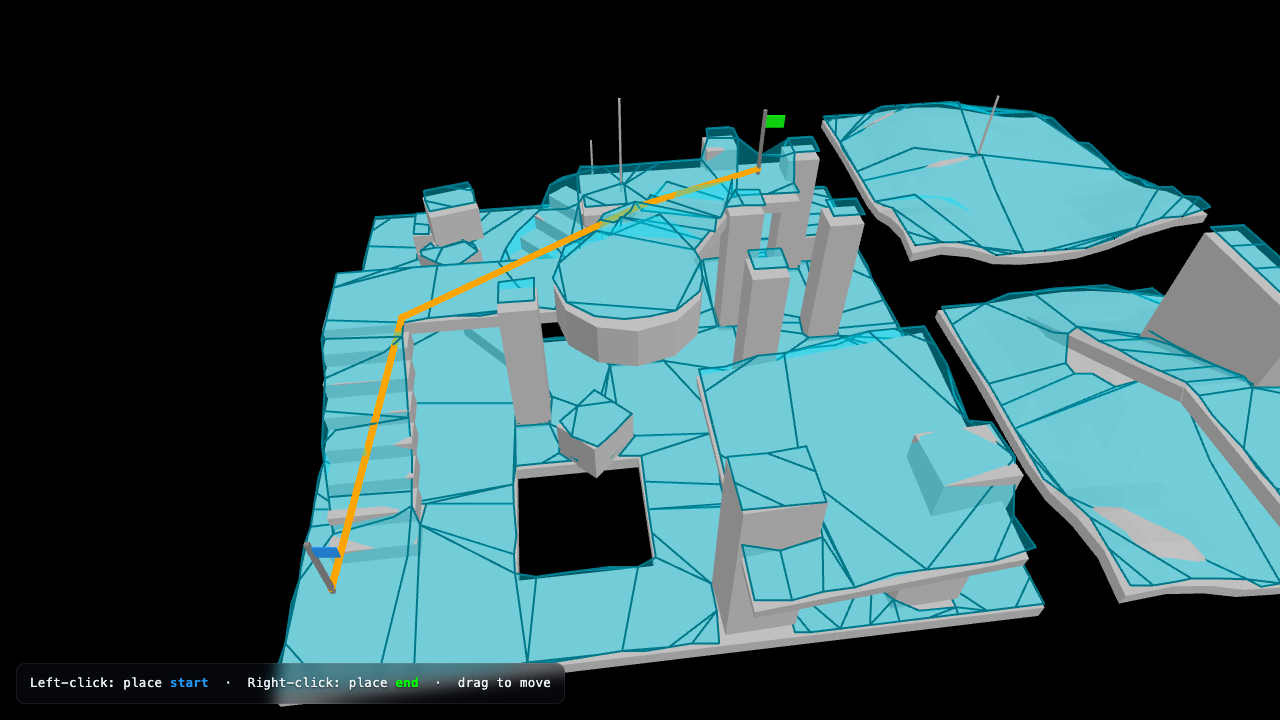
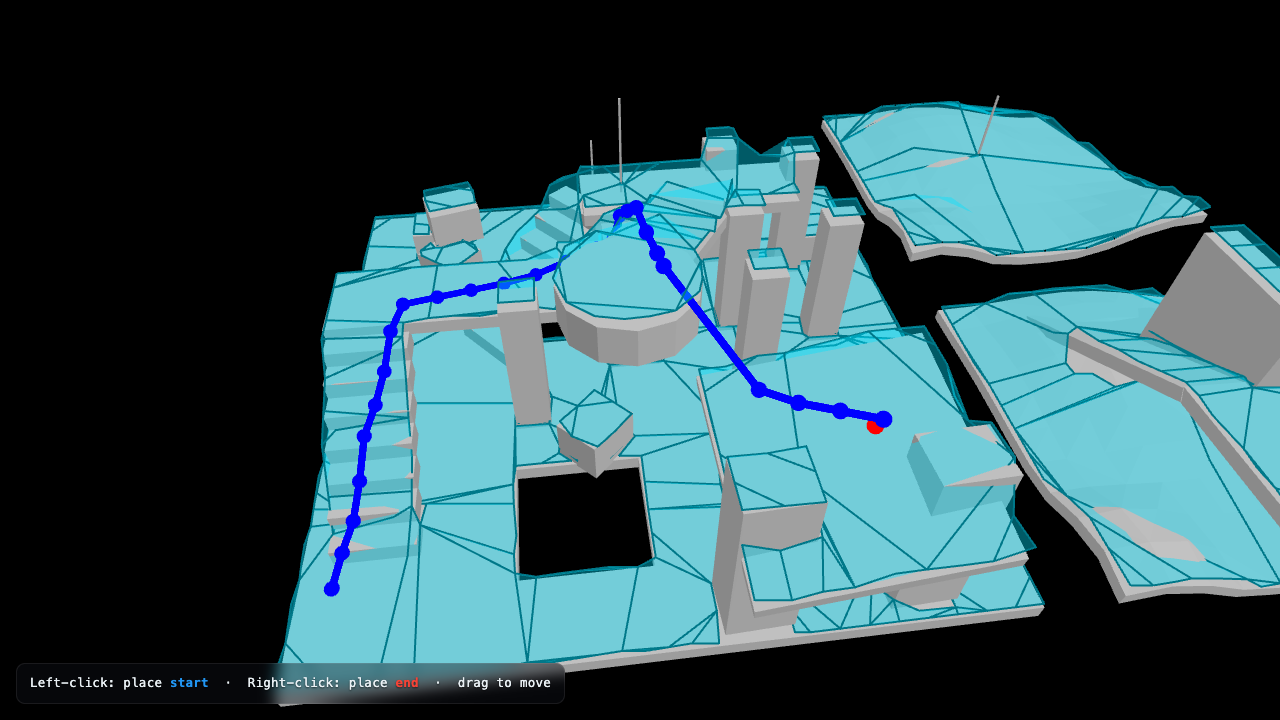
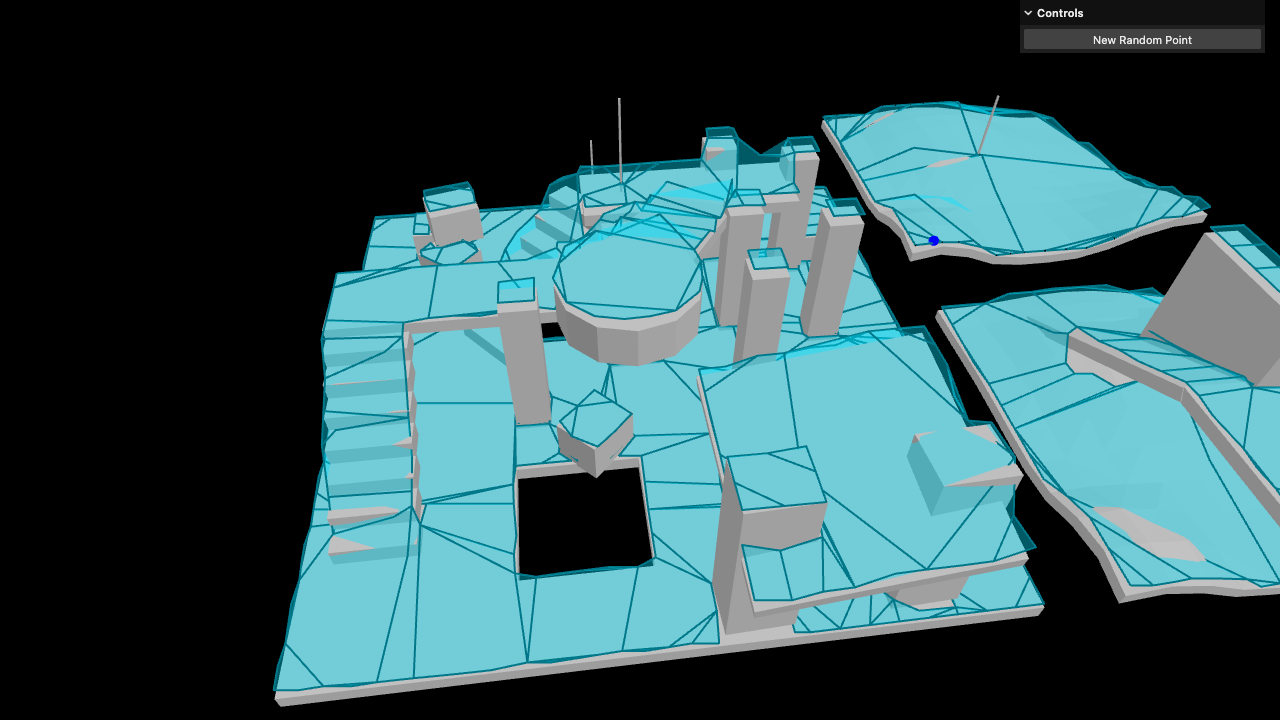
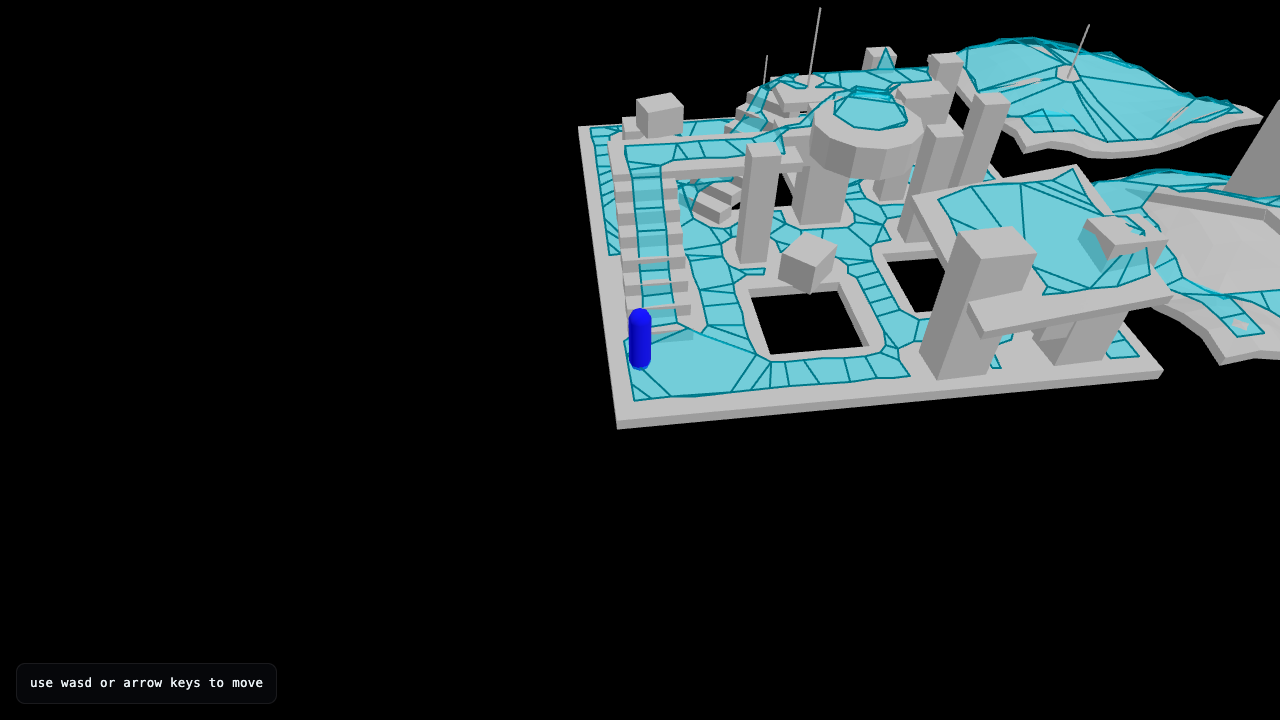
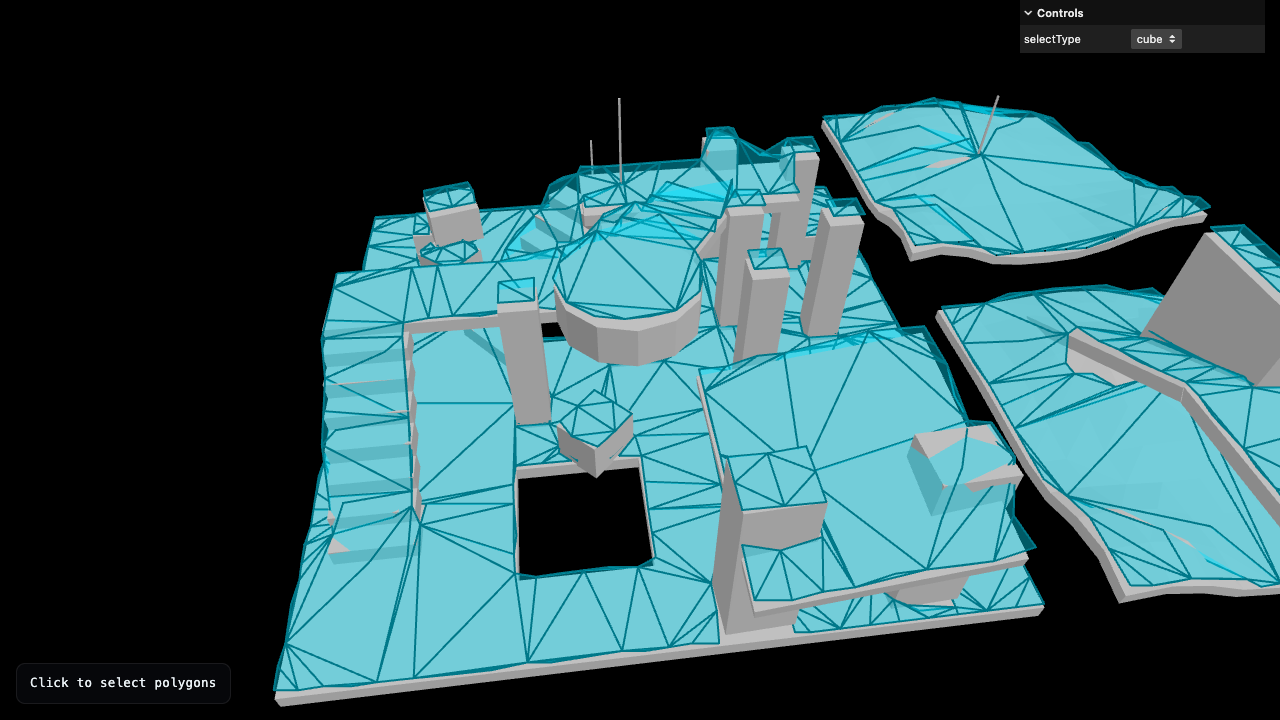
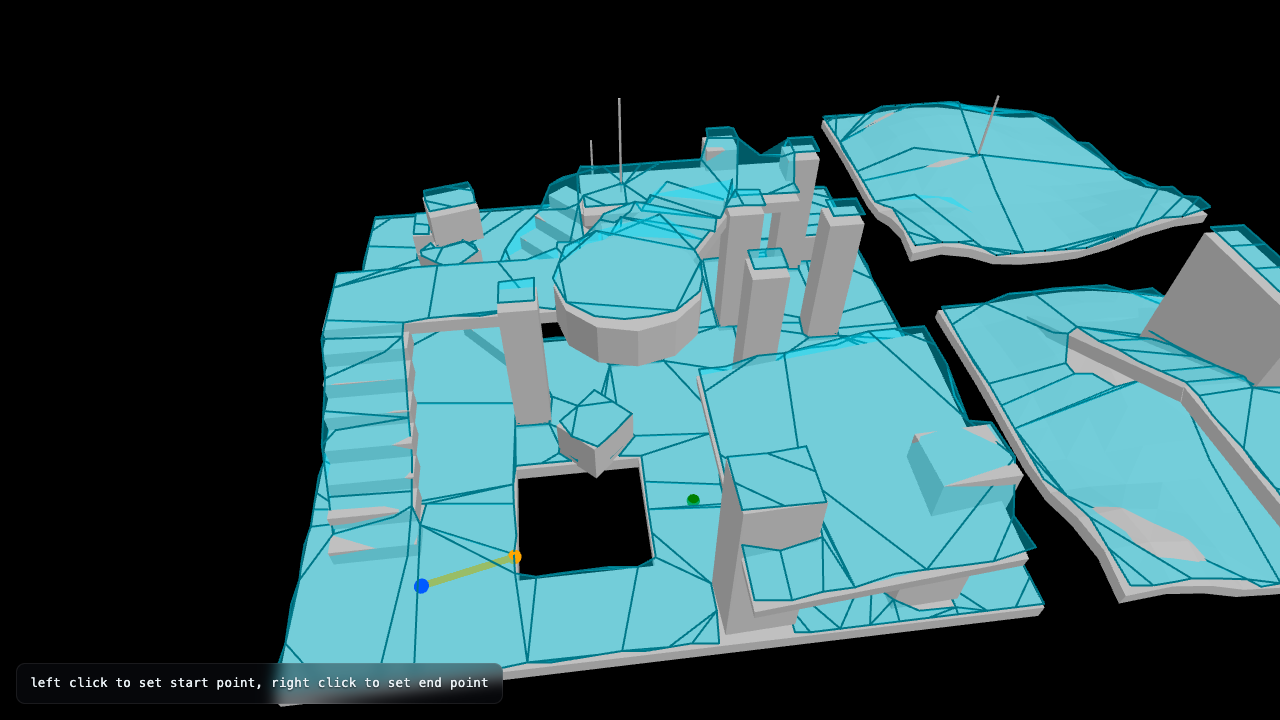
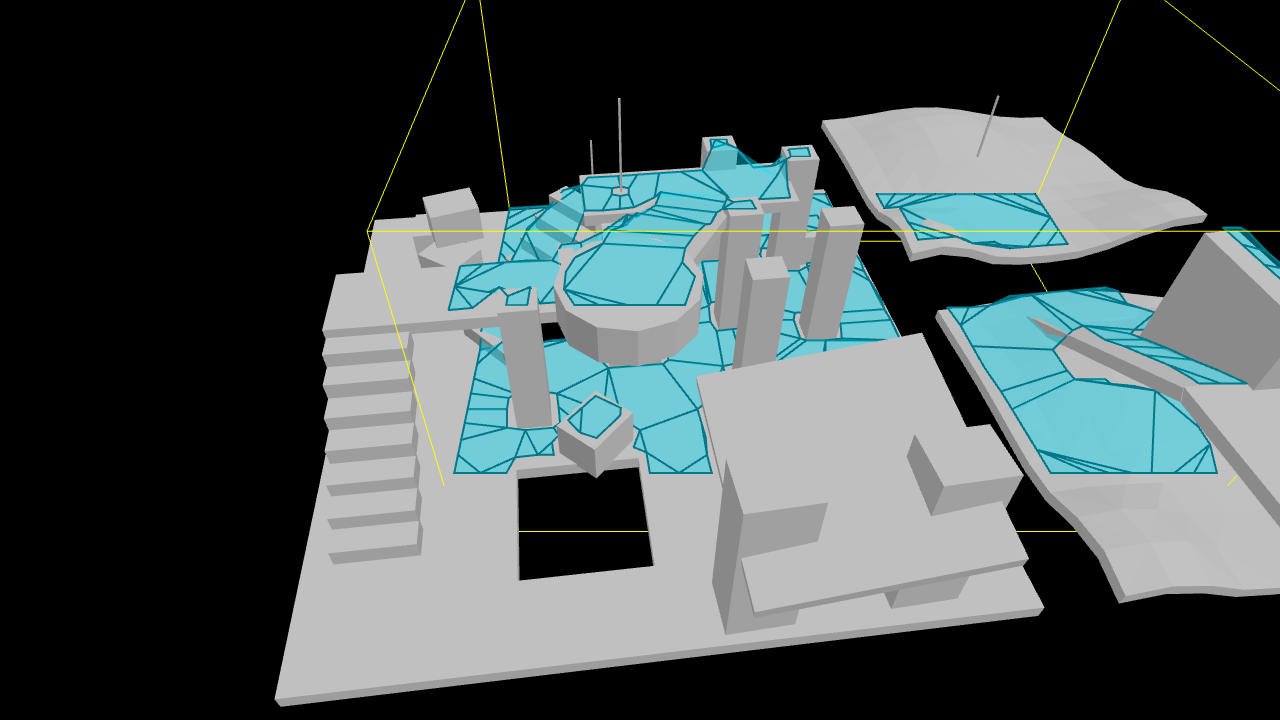
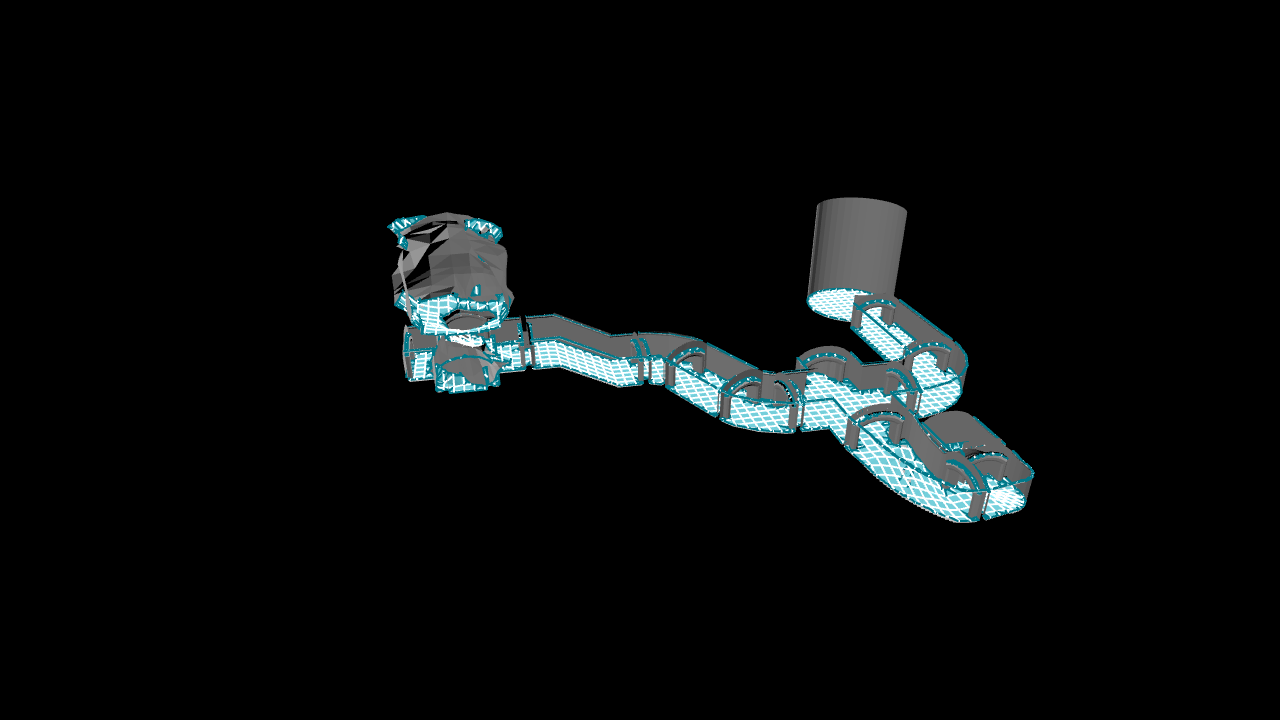
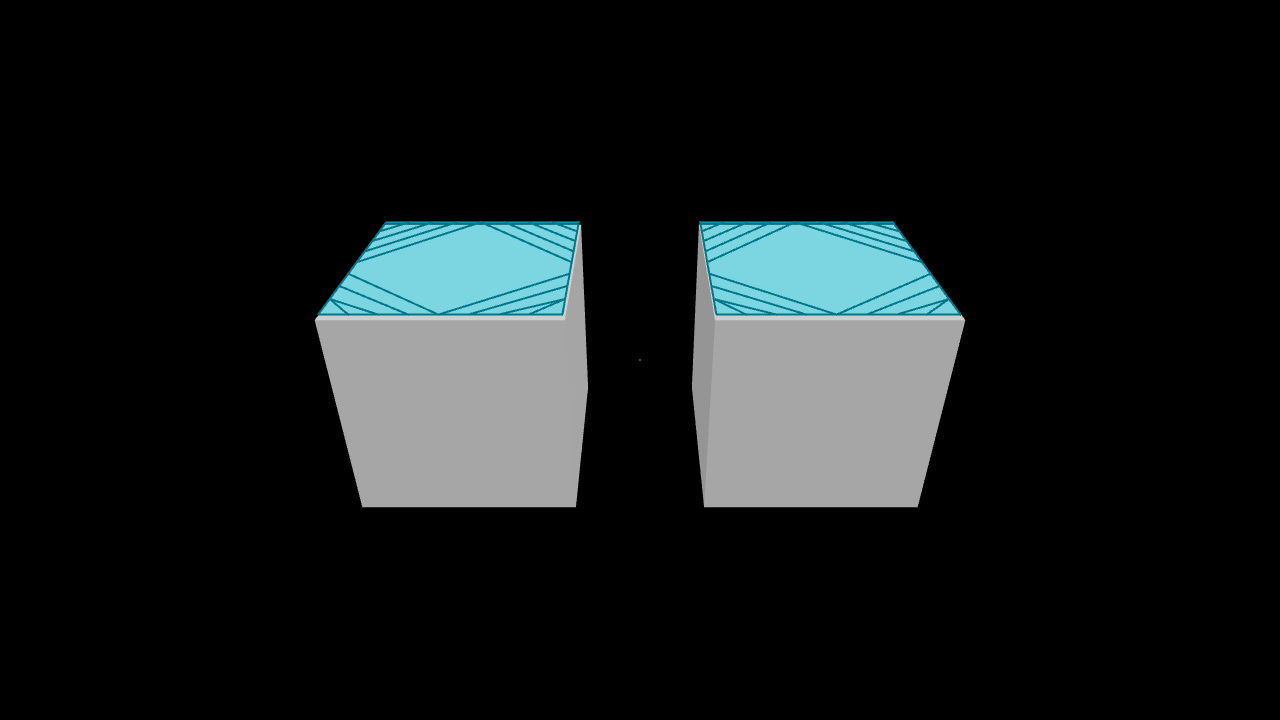
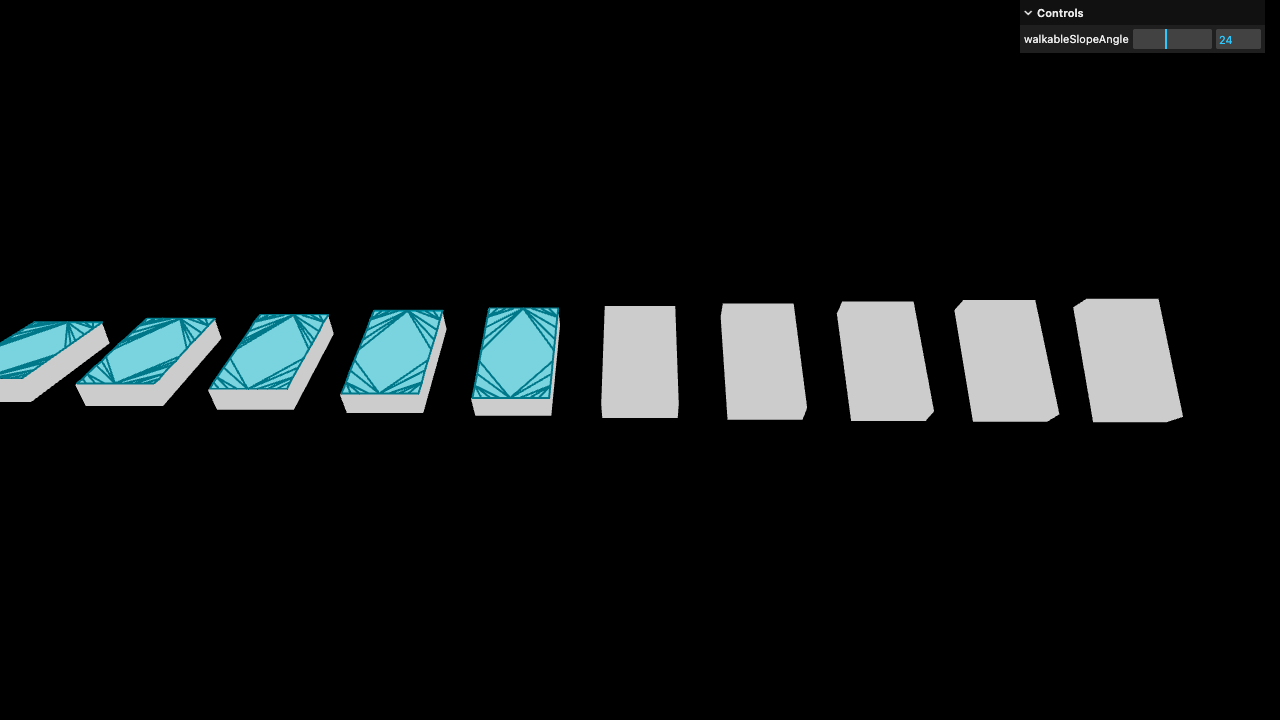
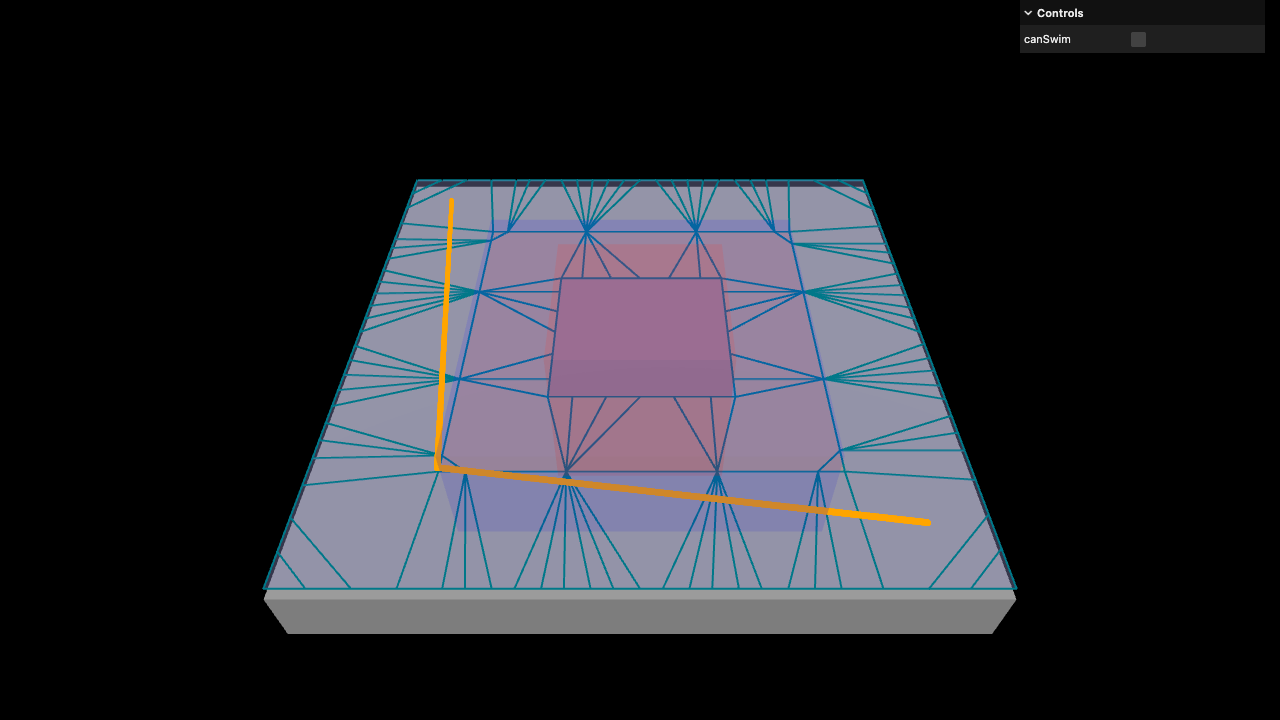
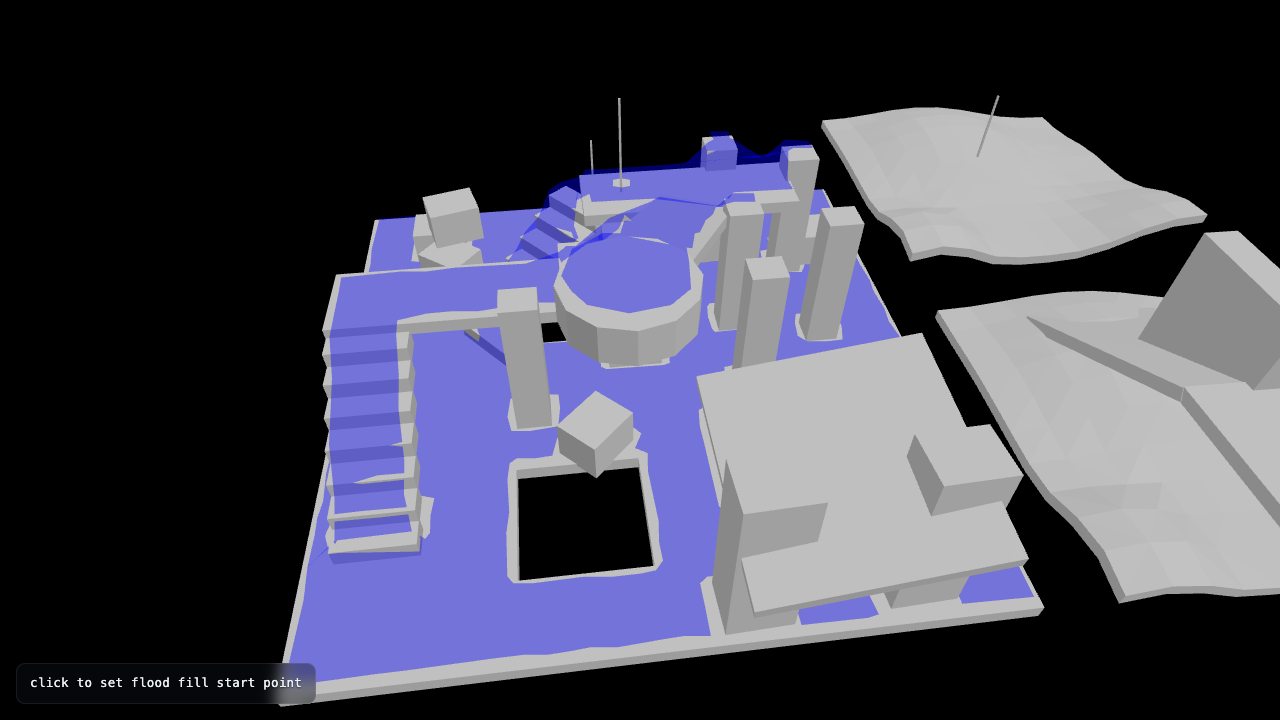
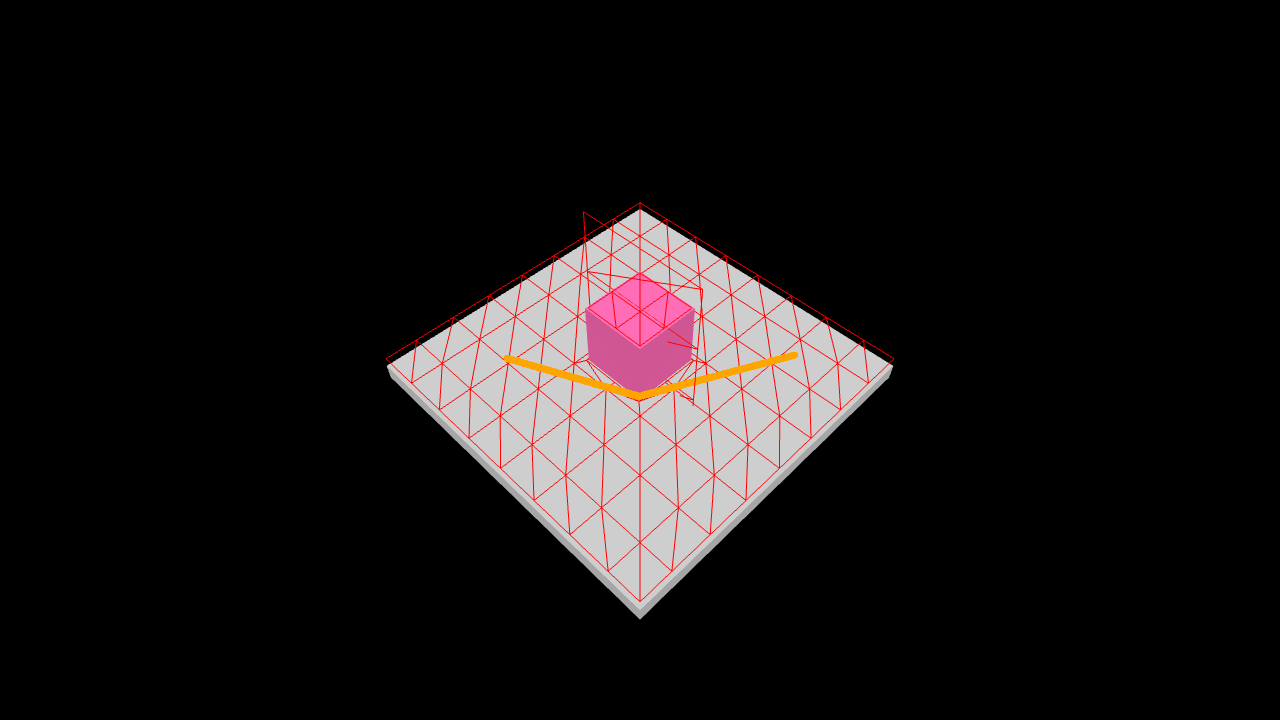
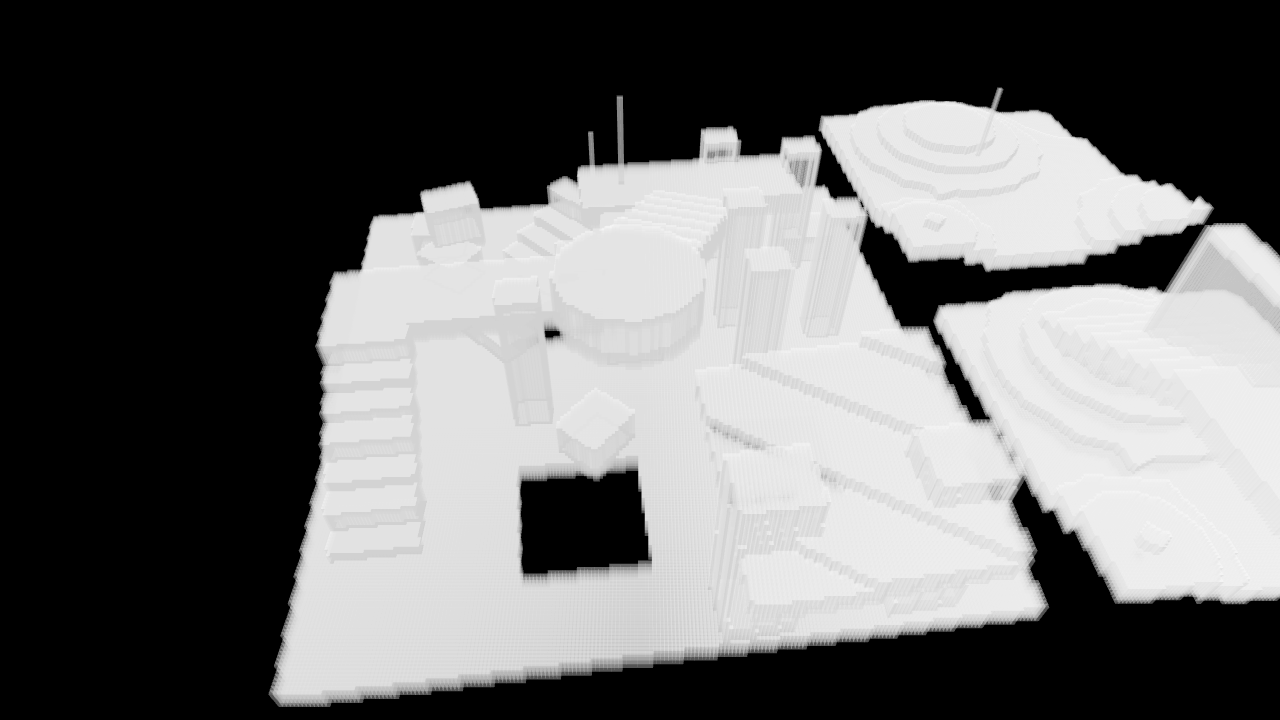
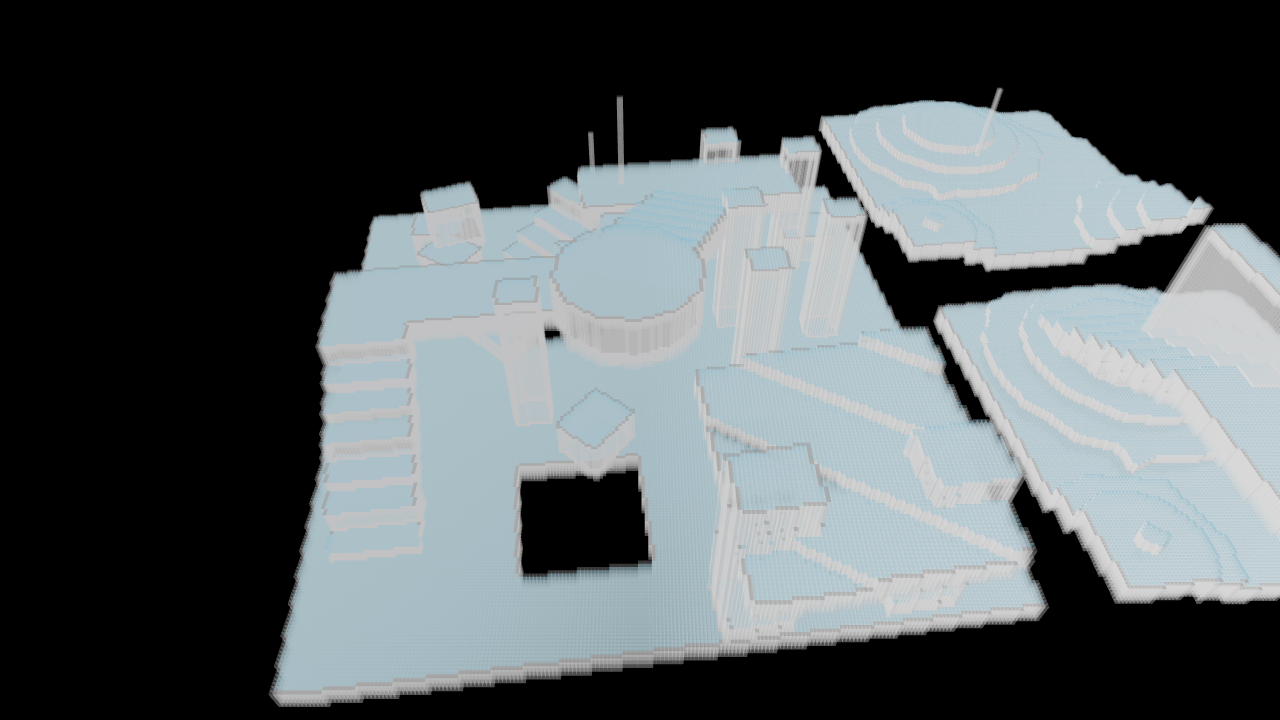
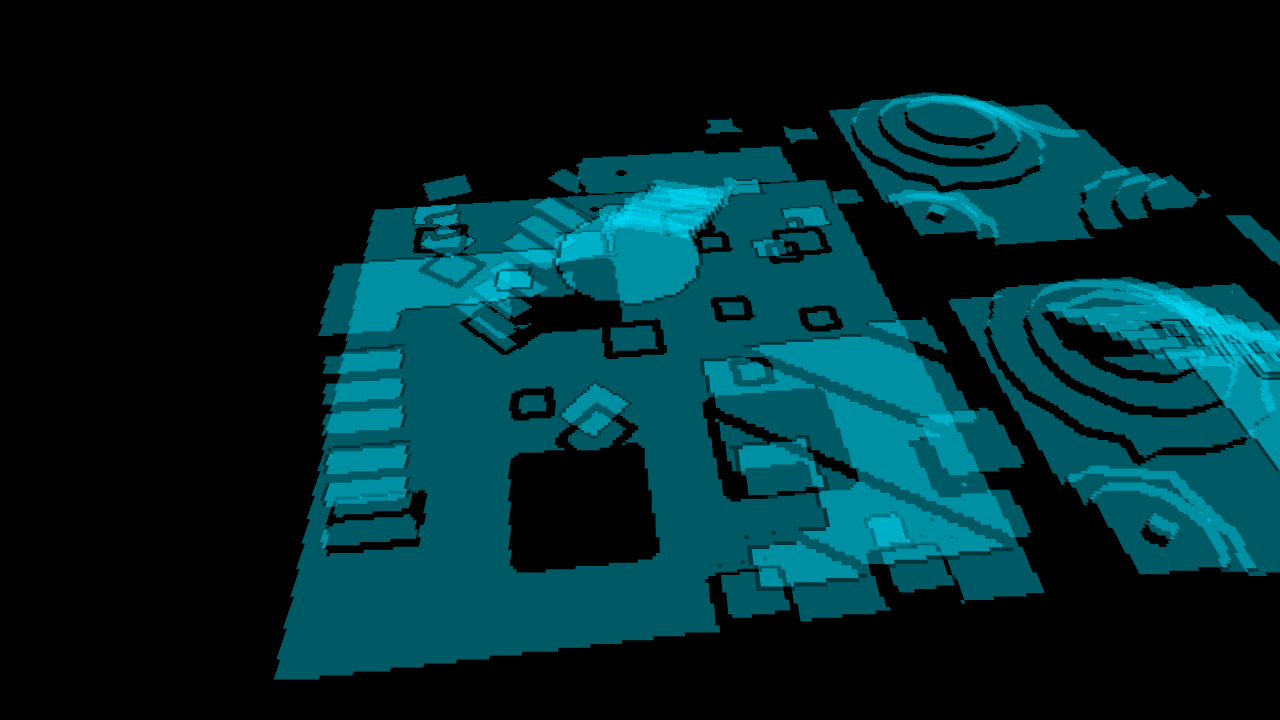
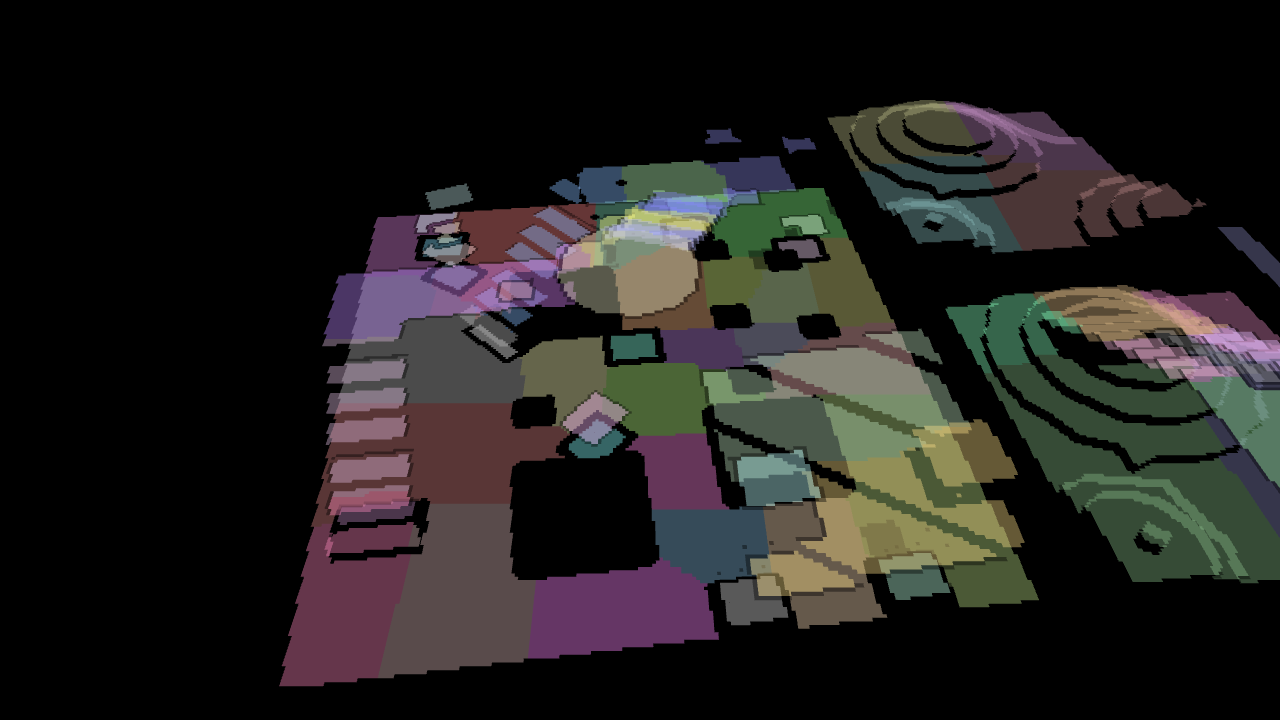
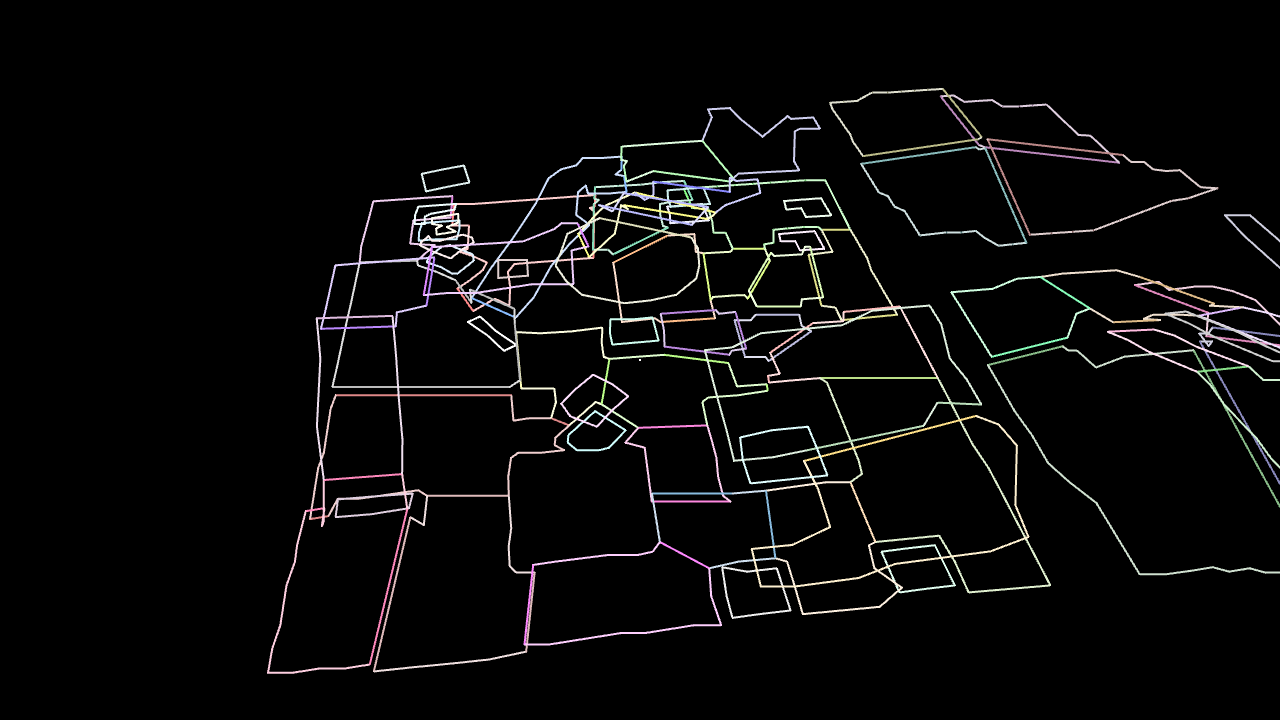
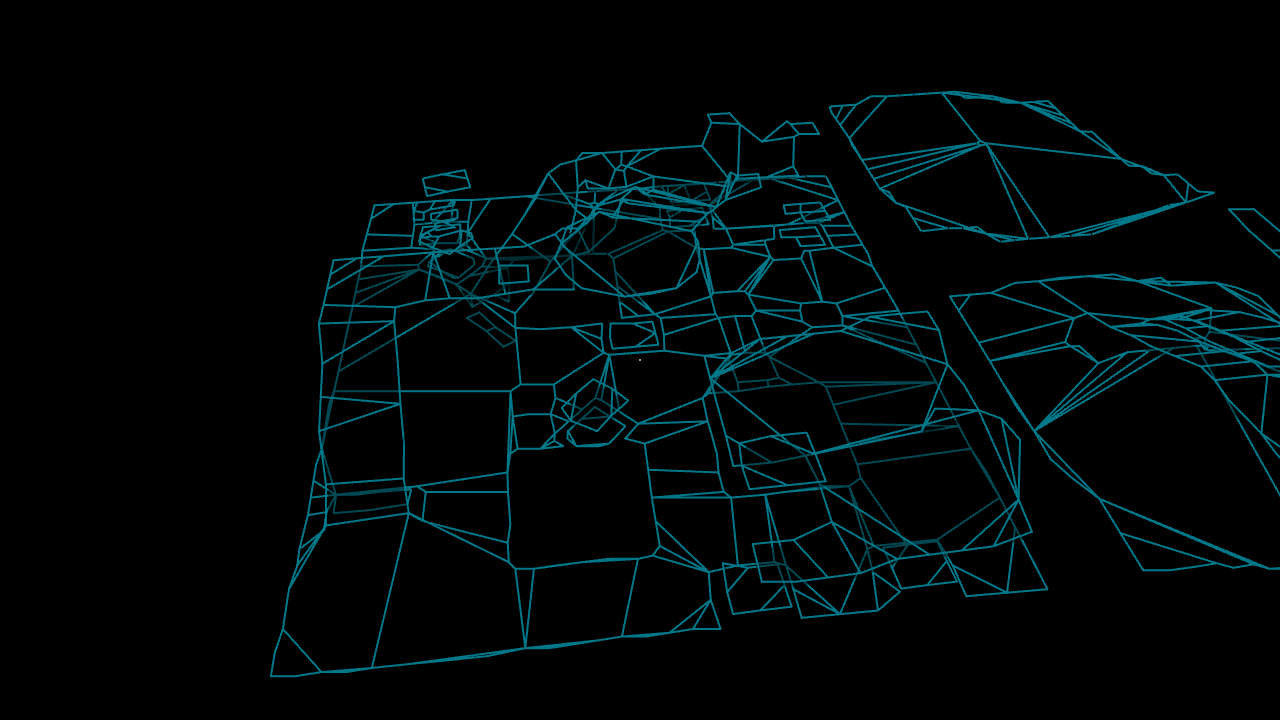
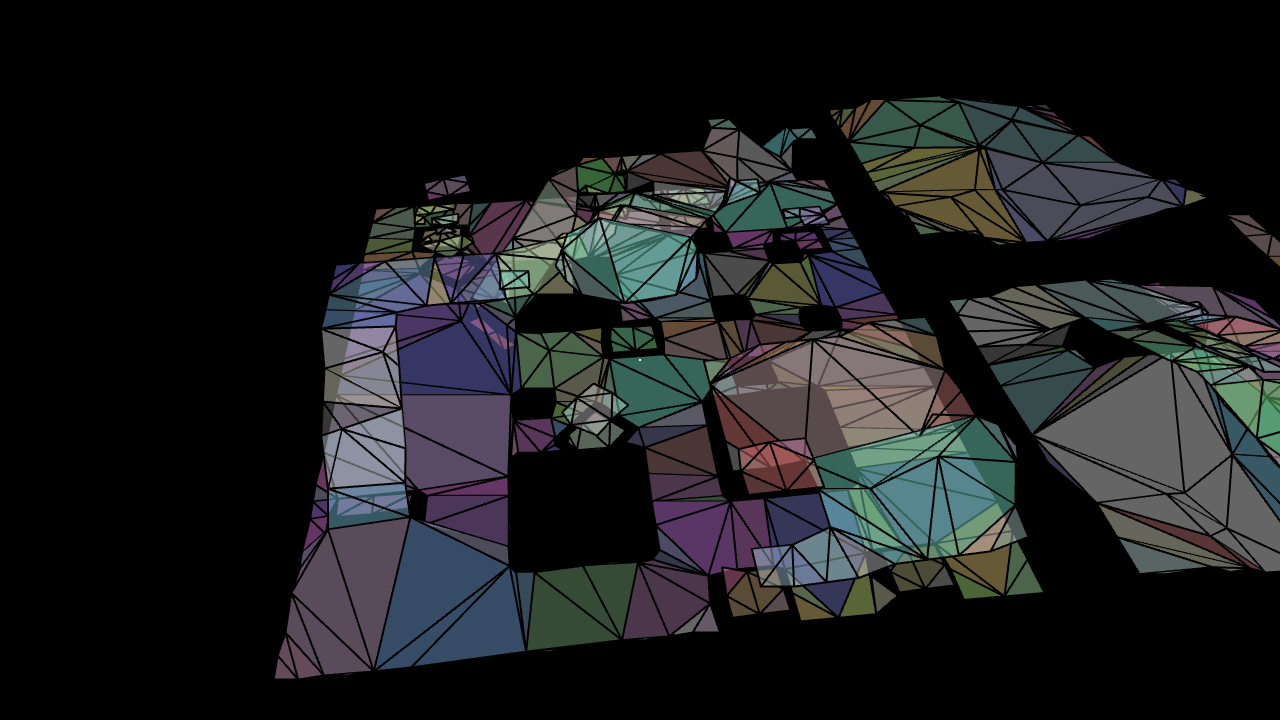
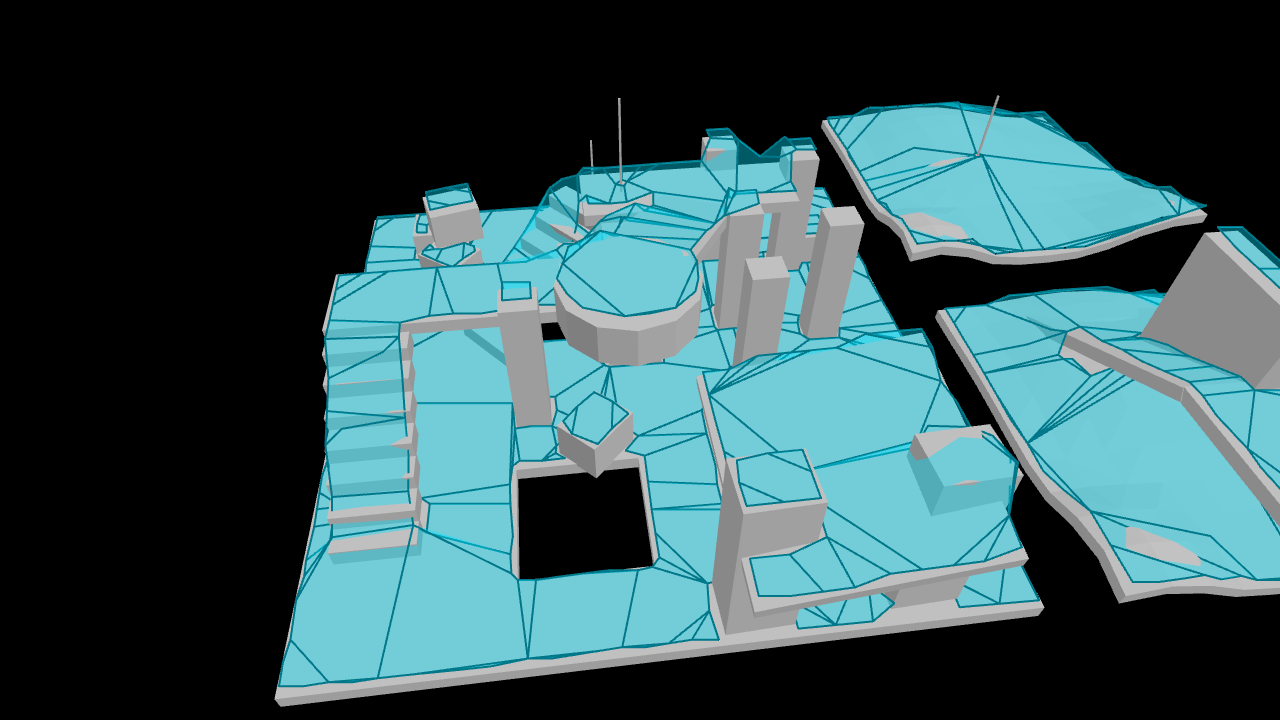
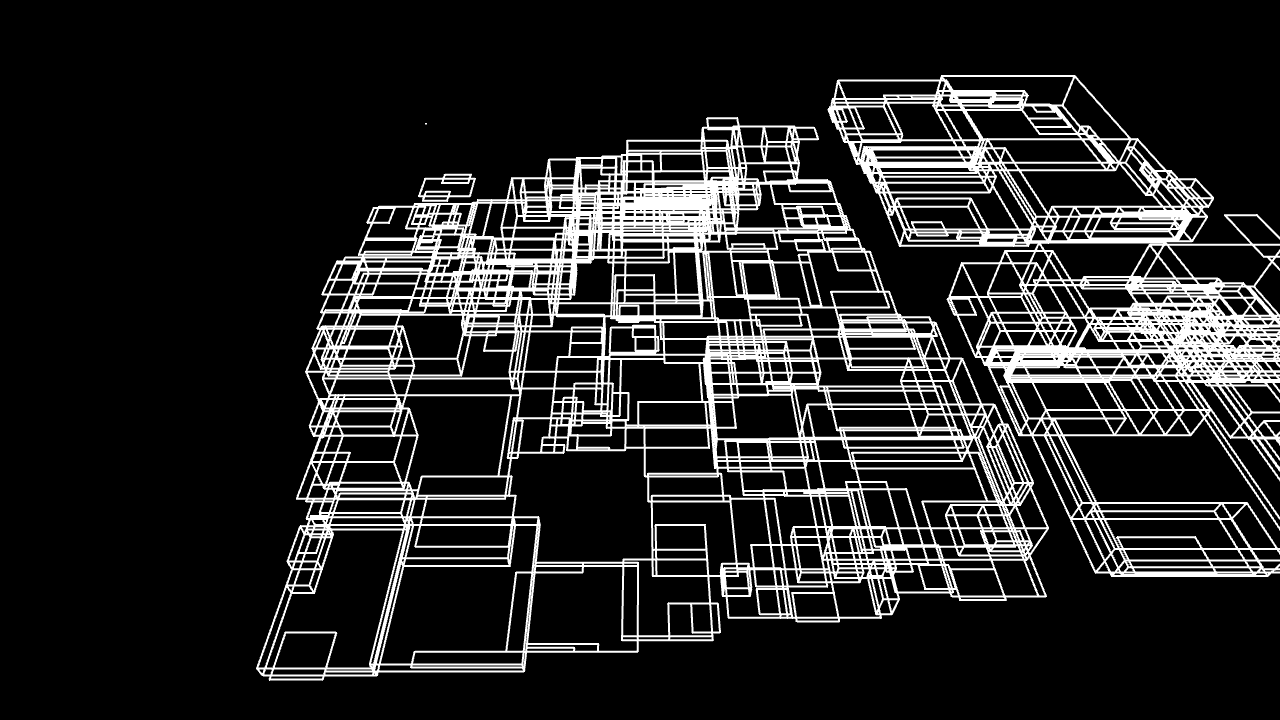
Demonstrations of how to use recast-navigation-js with different libraries and environments (vite, web workers, playcanvas, vanilla three.js, node) can be found in the examples-integrations and examples-node directories.
Installation
recast-navigation-js ships as ECMAScript modules, and is compatible with Node.js and browser environments.
NPM
npm install recast-navigation
If you are using Vite, you may need to opt recast-navigation out of pre-bundling:
export default defineConfig(() => ({
optimizeDeps: { exclude: ['recast-navigation'] }
)}
You can also install individual packages from the @recast-navigation npm organization:
@recast-navigation/core- The core library that provides the main functionality.@recast-navigation/generators- High level NavMesh generator functions.@recast-navigation/wasm- The WebAssembly build of the Recast and Detour libraries, used internally by@recast-navigation/core.
The @recast-navigation npm organization contains some packages that simplify integration with other libraries and frameworks:
@recast-navigation/three- Helpers for integrating with three.js.@recast-navigation/playcanvas- Helpers for integrating with playcanvas.
There are also some community maintained packages that provide integrations with other libraries:
babylonjs-recast-navigation-js- A drop-in implementation for the Babylon.js navigation interface implemented with recast-navigation-js.
Usage without bundlers
You can use import maps to use the library without a bundler:
<script type="importmap">
{
"imports": {
// required
"@recast-navigation/core": "https://unpkg.com/@recast-navigation/core@0.35.0/dist/index.mjs",
"@recast-navigation/wasm": "https://unpkg.com/@recast-navigation/wasm@0.35.0/dist/recast-navigation.wasm-compat.js",
// easy to use generators
"@recast-navigation/generators": "https://unpkg.com/@recast-navigation/generators@0.35.0/dist/index.mjs",
// optional integrations
"@recast-navigation/three": "https://unpkg.com/@recast-navigation/three@0.35.0/dist/index.mjs",
"@recast-navigation/playcanvas": "https://unpkg.com/@recast-navigation/three@0.35.0/dist/index.mjs",
}
}
</script>
<script type="module">
import { init } from '@recast-navigation/core';
await init();
</script>
A full example can be found here: https://github.com/isaac-mason/recast-navigation-js/tree/main/examples-integrations/three-vanilla-example/index.html
Documentation
For information on changes between versions, see CHANGELOG.md
These are useful resources for understanding the recast navmesh generation process, which will help you understand how to use this library effectively:
Documentation and resources for the Recast and Detour c++ libraries can be found here:
Getting Started
Initialization
Before you can use the library, you must initialize it. This is an asynchronous operation.
Calling init() after the library has already been initialized will return a promise that resolves immediately.
import { init } from 'recast-navigation';
await init();
Generating a NavMesh
The easiest way to generate a NavMesh is using the high level generator functions from recast-navigation/generators:
generateSoloNavMesh- Generates a NavMesh with a single tile. You can use this for smaller environments.generateTiledNavMesh- Generates a NavMesh with multiple tiles. You should use this for larger environments.generateTileCache- Generates a TileCache that supports temporary obstacles. See the Temporary Obstacles section.
The input positions and indices should adhere to OpenGL conventions:
- Use the right-handed coordinate system
- Indices should be in counter-clockwise winding order
- The
positionsandindicesarguments should be flat arrays of numbers
import { generateSoloNavMesh } from 'recast-navigation/generators';
const positions = [
/* flat array of positions */
/* e.g. x1, y1, z1, x2, y2, z2, ... */
];
const indices = [
/* flat array of indices */
];
const navMeshConfig = {
/* ... */
};
const { success, navMesh } = generateSoloNavMesh(
positions,
indices,
navMeshConfig
);
See the docs for more information on generator options: https://recast-navigation-js.isaacmason.com/docs/modules/generators.html
Builing a NavMesh in a Web Worker
It's possible to build a NavMesh in a Web Worker. This can be useful for offloading heavy computation from the main thread.
The library doesn't include a web worker, but it's straightforward to create your own. An example of solo nav mesh generation in a web worker can be found here: https://github.com/isaac-mason/recast-navigation-js/tree/main/examples-integrations/three-vite-worker-example
The example uses importNavMesh and exportNavMesh to serialize and deserialize a NavMesh for transfer between the main thread and the web worker.
For more advanced scenarios such as dynamic navmesh regeneration, you can generate nav mesh tiles in a web worker, and transfer the Uint8Array result of the createNavMeshData function to the main thread. This allows you to build individual tiles within a web worker, while the main thread continues to manage the nav mesh.
Customizing the NavMesh Generation Process
This library provides low-level APIs that aim to match the recast and detour c++ api, allowing you to create custom navigation mesh generators based on your specific needs. You can use the NavMesh generators provided by @recast-navigation/generators as a basis: https://github.com/isaac-mason/recast-navigation-js/tree/main/packages/recast-navigation-generators/src/generators
An example of a custom NavMesh generator with custom areas can be found here: https://recast-navigation-js.isaacmason.com/examples/#example-custom-areas
Please note that not all recast and detour functionality is exposed yet. If you require unexposed functionality, please submit an issue or a pull request.
Querying a NavMesh
Creating a NavMeshQuery class
import { NavMeshQuery } from 'recast-navigation';
const navMeshQuery = new NavMeshQuery(navMesh);
Compute a straight path between two points
const start = { x: 0, y: 0, z: 0 };
const end = { x: 2, y: 0, z: 0 };
const { success, error, path } = navMeshQuery.computePath(start, end);
Find the closest point on the NavMesh to a given position
const position = { x: 0, y: 0, z: 0 };
const { success, status, point, polyRef, isPointOverPoly } =
navMeshQuery.findClosestPoint(position);
Find a random point on the NavMesh around a given position
const radius = 0.5;
const {
success,
status,
randomPolyRef,
randomPoint: initialAgentPosition,
} = navMeshQuery.findRandomPointAroundCircle(position, radius);
Crowds and Agents
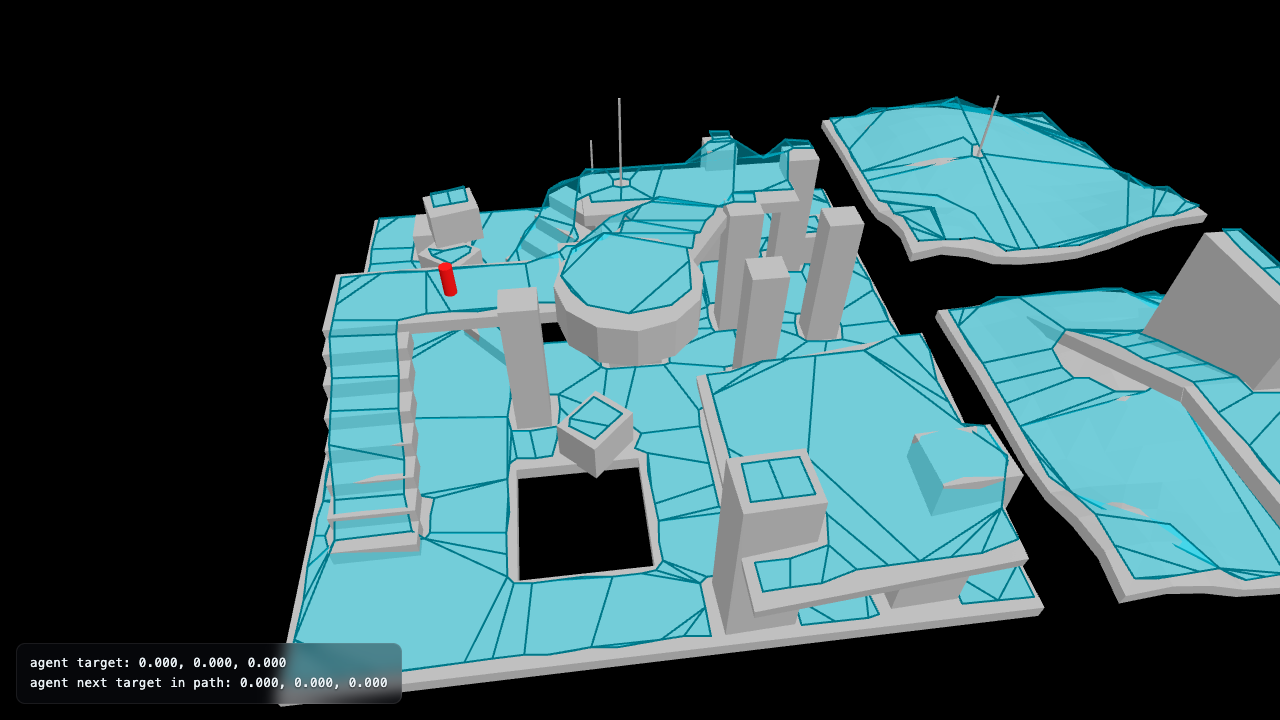 Crowd With Single Agent |
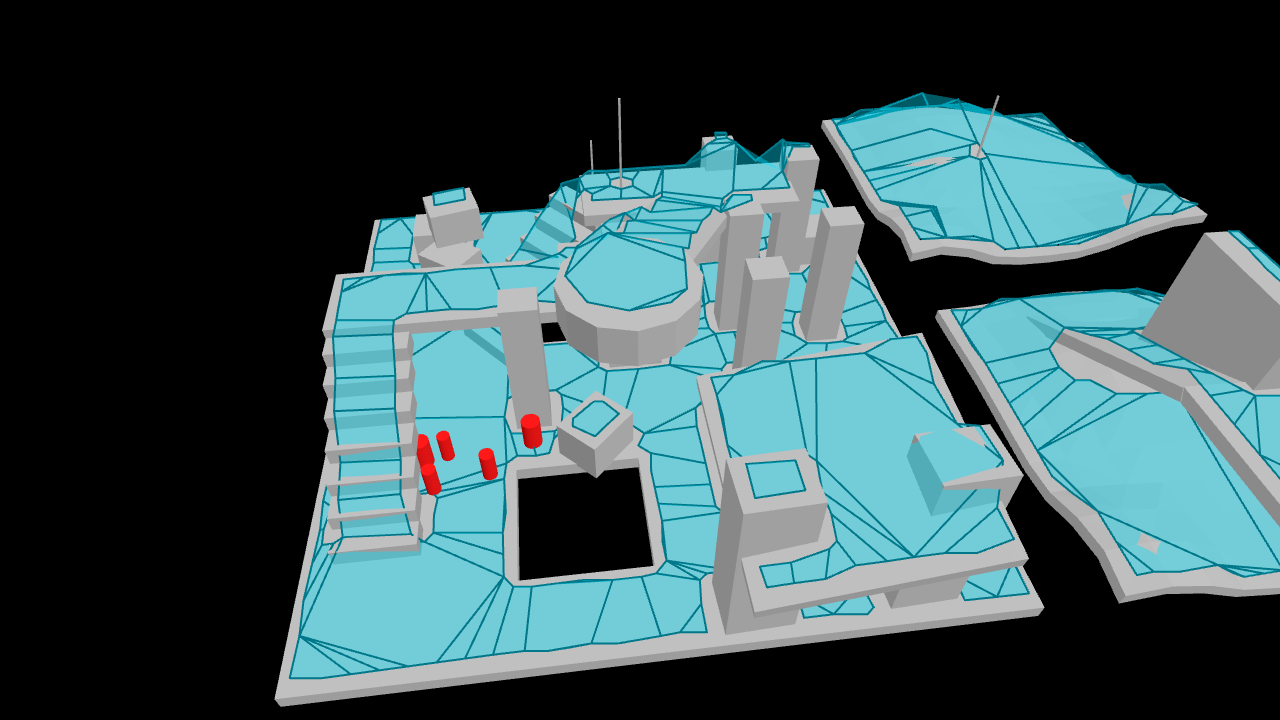 Crowd With Multiple Agents |
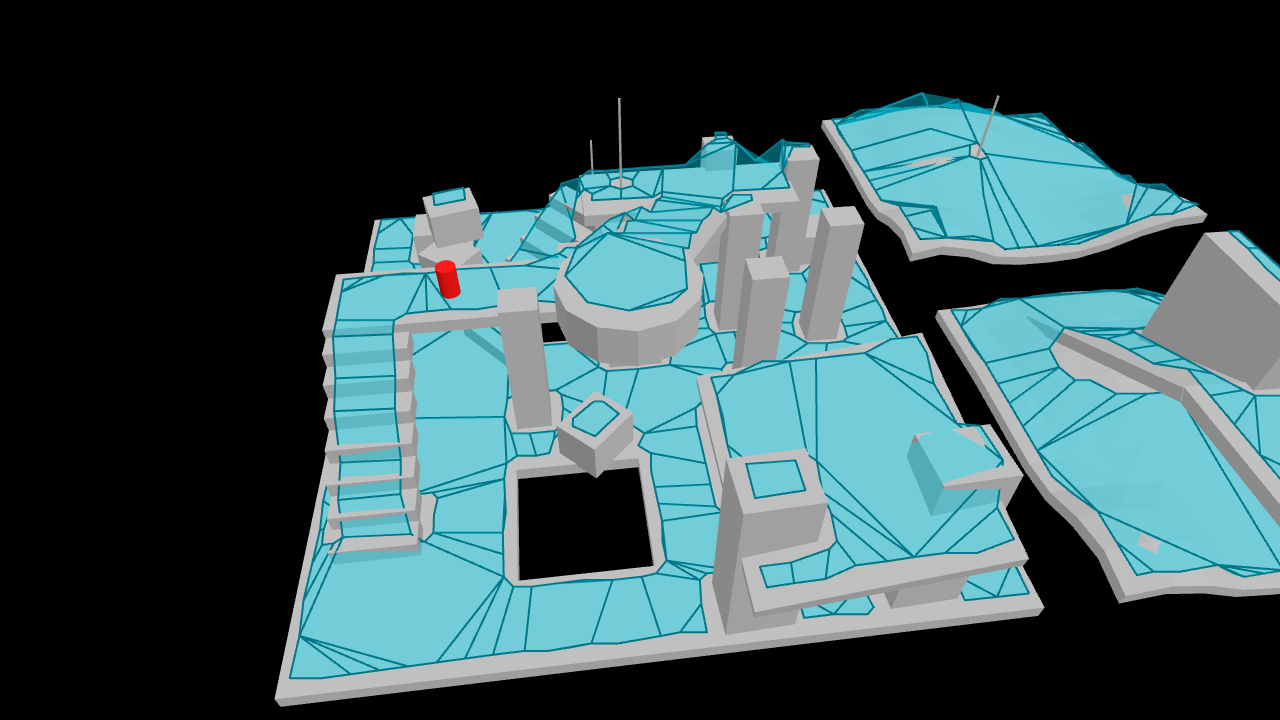 Fixed Stepping With Interpolation |
Creating a Crowd
import { Crowd } from 'recast-navigation';
const maxAgents = 10;
const maxAgentRadius = 0.6;
const crowd = new Crowd(navMesh, { maxAgents, maxAgentRadius });
Updating a Crowd
There are a few options for updating a crowd:
Variable time stepping
The simplest approach is to do varible time stepping. Simply call crowd.update with your delta time every frame.
crowd.update(timeSinceLastFrame);
This approach is suitable for most use cases, but the variable timestep will result in non-deterministic behaviour.
Depending on your use case, you might want to clamp timeSinceLastFrame to a maximum value to prevent large time steps causing issues.
Fixed time stepping with interpolation
Fixed time stepping with interpolation can be preferable if you need deterministic behaviour, but still want smooth agent position updates each frame.
If you provide update with a dt value and a timeSinceLastFrame value, the crowd update will do fixed time stepping with interpolation.
const dt = 1 / 60;
const maxSubSteps = 10;
crowd.update(dt, timeSinceLastFrame, maxSubSteps);
This will update the interpolatedPosition vector3 on each agent, which you can use to render a smoothly interpolated agent position between updates.
console.log(agent.interpolatedPosition); // { x: 1, y: 2, z: 3 }
Manual fixed time stepping
If you want full control over crowd updates, you can simply call crowd.update with a given dt value.
const dt = 1 / 60;
crowd.update(dt);
Creating an Agent in a Crowd
const position = { x: 0, y: 0, z: 0 };
const radius = 2;
const {
success,
status,
randomPolyRef,
randomPoint: initialAgentPosition,
} = navMeshQuery.findRandomPointAroundCircle(position, radius);
const agent = crowd.addAgent(initialAgentPosition, {
radius: 0.5,
height: 0.5,
maxAcceleration: 4.0,
maxSpeed: 1.0,
collisionQueryRange: 0.5,
pathOptimizationRange: 0.0,
separationWeight: 1.0,
});
Setting an Agent's Target
const targetPosition = { x: 2, y: 0, z: 0 };
agent.requestMoveTarget(targetPosition);
Clearing an Agent's Target
agent.resetMoveTarget();
Interacting with Agents
/* get information about the agent */
const agentPosition = agent.position();
const agentVelocity = agent.velocity();
const agentTarget = agent.target();
const agentNextTargetInPath = agent.nextTargetInPath();
const agentState = agent.state();
const agentCorners = agent.corners();
const agentParameters = agent.parameters();
/* tell the agent to move to a target position */
const targetPosition = { x: 0, y: 0, z: 0 };
agent.requestMoveTarget(targetPosition);
/* tell the agent to move in a direction */
const targetVelocity = { x: 0, y: 0, z: 0 };
agent.requestMoveVelocity(targetVelocity);
/* reset the agents target */
agent.resetMoveTarget();
/* teleport the agent to a position */
agent.teleport(targetPosition);
/* update an agent parameter */
agent.maxAcceleration = 4;
/* update multiple parameters for an agent */
agent.updateParameters({
maxAcceleration: 2,
});
/* set all parameters for an agent */
agent.setParameters({
// any omitted parameters will be set to their default values
});
/* remove the agent */
crowd.removeAgent(agent);
Temporary Obstacles
Recast Navigation supports temporary Box and Cylinder obstacles via a TileCache.
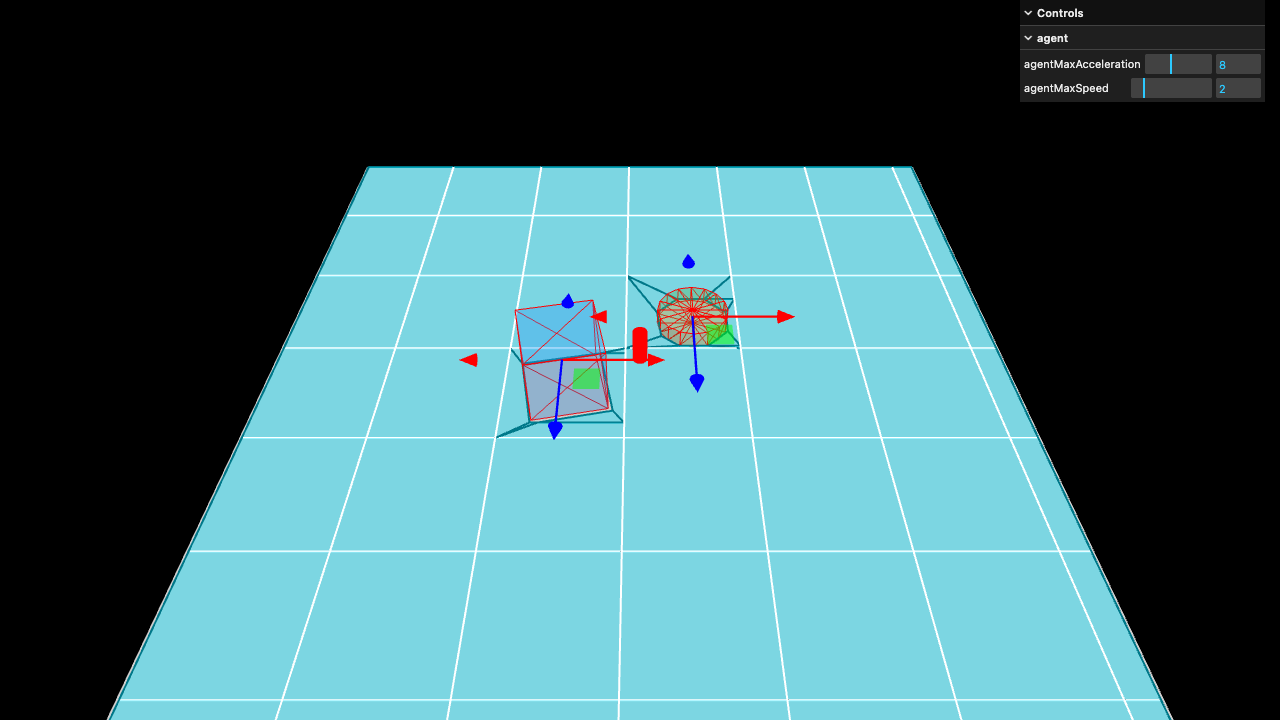 Crowd Obstacles |
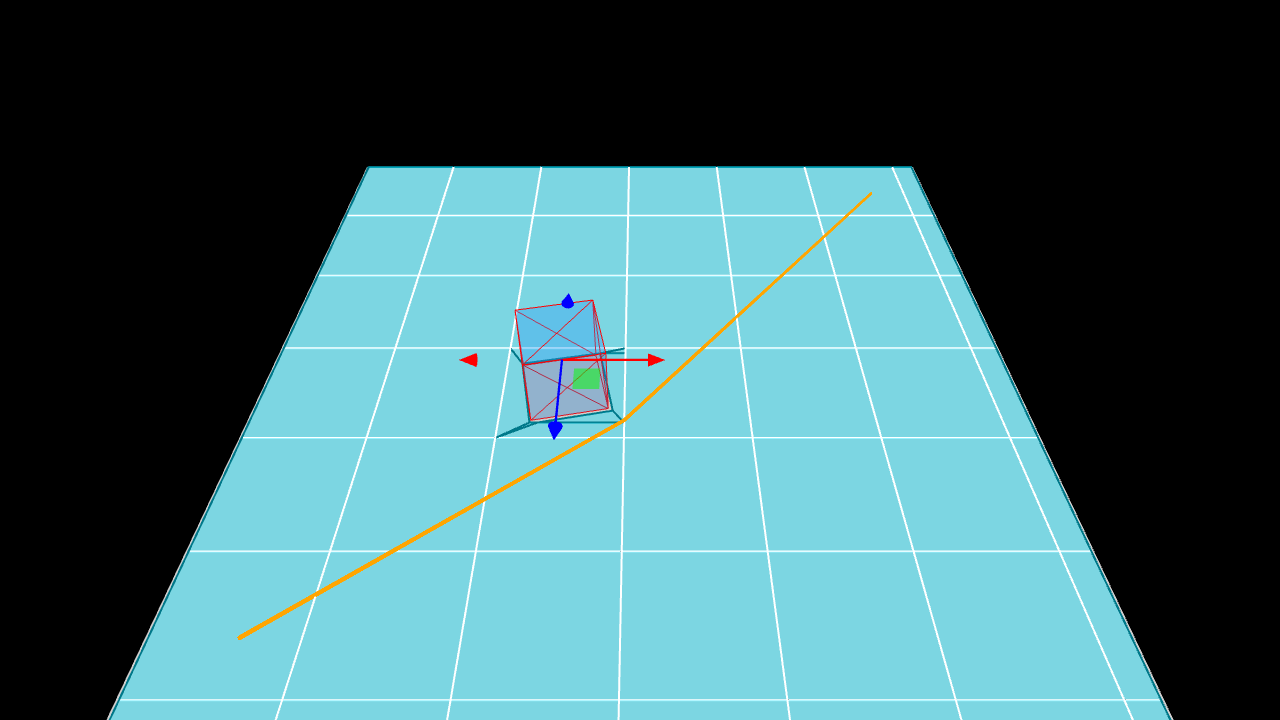 Path Obstacles |
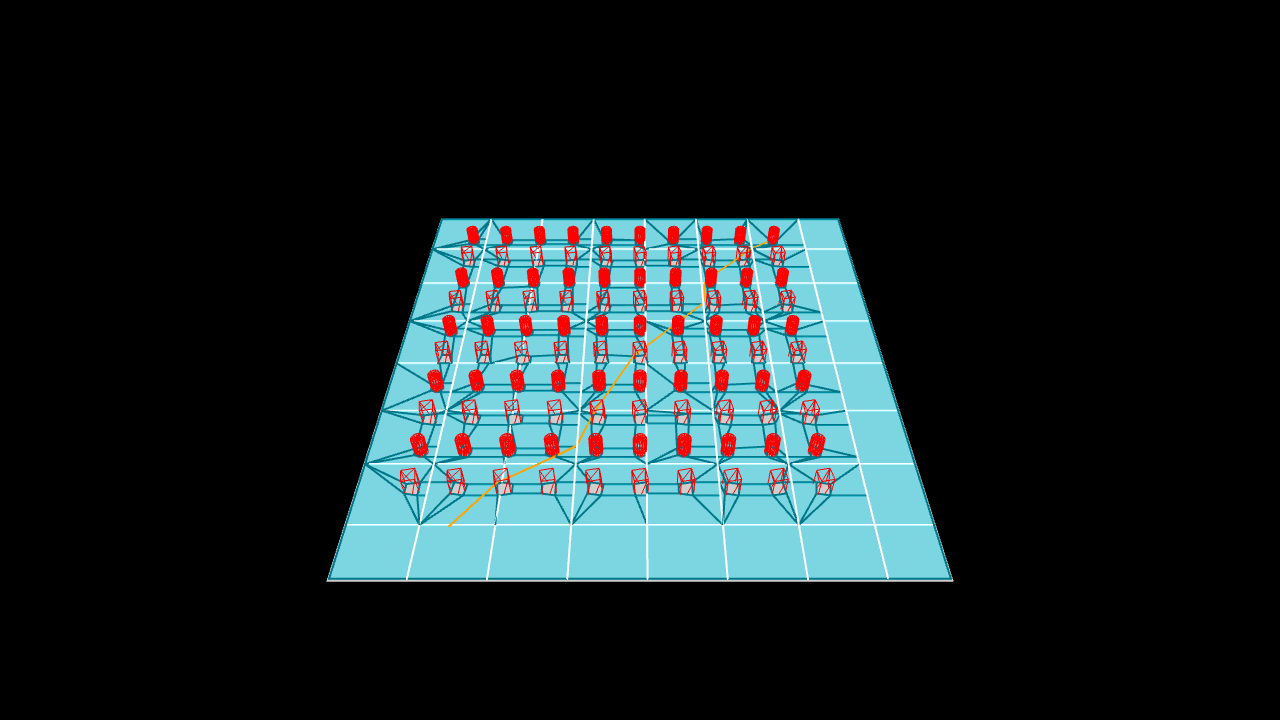 Many Obstacles |
TileCache assumes small tiles (around 32-64 squared). Using tileSize values outside this range may result in unexpected behaviour.
import { generateTileCache } from 'recast-navigation/generators';
/* create a tile cache */
const { success, navMesh, tileCache } = generateTileCache(positions, indices, {
/* ... */
tileSize: 16,
});
You can use addCylinderObstacle, addBoxObstacle, and removeObstacle to add and remove obstacles from the TileCache.
After adding or removing obstacles you can call tileCache.update(navMesh) to rebuild navmesh tiles.
Adding or removing an obstacle will internally create an "obstacle request". TileCache supports queuing up to 64 obstacle requests. If the requests queue is full, calls to addCylinderObstacle and addBoxObstacle will fail and return a dtStatus status code DT_BUFFER_TOO_SMALL.
The tileCache.update method returns upToDate, whether the tile cache is fully up to date with obstacle requests and tile rebuilds. If the tile cache isn't up to date another call will continue processing obstacle requests and tile rebuilds; otherwise it will have no effect.
If not many obstacle requests occur between updates, an easy pattern is to call tileCache.update periodically, such as every game update.
If many obstacle requests have been made and you need to avoid reaching the 64 obstacle request limit, you can call tileCache.update multiple times, bailing out when upToDate is true or after a maximum number of updates.
/* add a Box obstacle to the NavMesh */
const position = { x: 0, y: 0, z: 0 };
const halfExtents = { x: 1, y: 1, z: 1 };
const angle = 0;
const addBoxObstacleResult = tileCache.addBoxObstacle(
position,
halfExtents,
angle
);
const boxObstacle = addBoxObstacleResult.obstacle;
/* add a Cylinder obstacle to the NavMesh */
const radius = 1;
const height = 1;
const addCylinderObstacleResult = tileCache.addCylinderObstacle(
position,
radius,
height,
angle
);
const cylinderObstacle = addCylinderObstacleResult.obstacle;
/* remove the obstacles from the NavMesh */
const removeObstacleResult = tileCache.removeObstacle(boxObstacle);
/* update to reflect obstacle changes */
// if few obstacles are added/removed between updates, you could call tileCache.update every game update
tileCache.update(navMesh);
// if your obstacle requests affect many tiles, you may need to call update multiple times
const maxTileCacheUpdates = 5;
for (let i = 0; i < maxTileCacheUpdates; i++) {
const { upToDate } = tileCache.update(navMesh);
if (upToDate) break;
}
Off Mesh Connections
Off mesh connections are user-defined connections between two points on a NavMesh. You can use them to create things like ladders, teleporters, jump pads, etc.
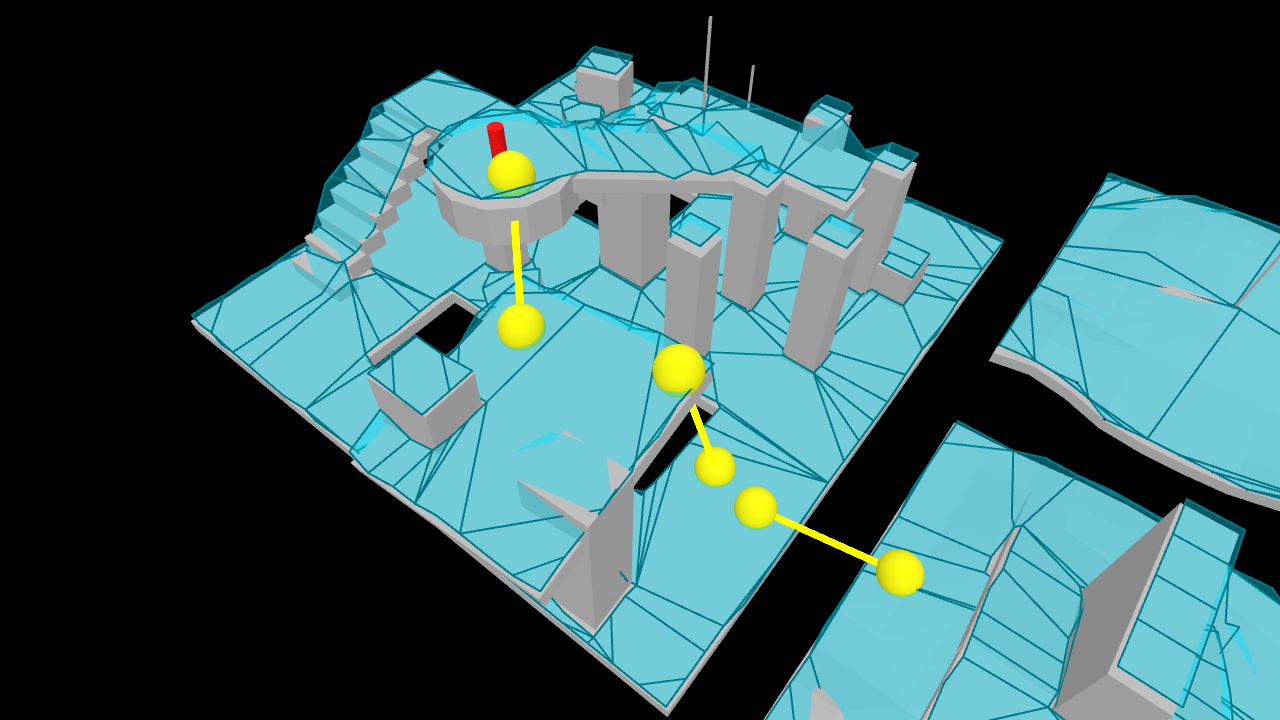 Off Mesh Connections |
Off mesh connections can be bidirectional or unidirectional.
You can provide a list of off mesh connections to the generateSoloNavMesh and generateTiledNavMesh high level generator functions.
const { success, navMesh } = generateSoloNavMesh(positions, indices, {
// ...
offMeshConnections: [
{
startPosition: { x: 0, y: 5, z: 0 },
endPosition: { x: 2, y: 0, z: 0 },
radius: 0.5,
bidirectional: false,
area: 0,
flags: 1,
userId: 0, // optional
},
],
});
You can use agent.state() to determine if an agent is currently traversing an off mesh connection.
Adding Off Mesh Connections to a TileCache
To add off mesh connections to a TileCache using generateTileCache, you must provide a TileCacheMeshProcess implementation that creates off mesh connections. For example:
const tileCacheMeshProcess = new TileCacheMeshProcess(
(navMeshCreateParams, polyAreas, polyFlags) => {
for (let i = 0; i < navMeshCreateParams.polyCount(); ++i) {
polyAreas.set(i, 0);
polyFlags.set(i, 1);
}
navMeshCreateParams.setOffMeshConnections([
{
startPosition: { x: 0, y: 5, z: 0 },
endPosition: { x: 2, y: 0, z: 0 },
radius: 0.5,
bidirectional: false,
area: 0,
flags: 1,
},
]);
}
);
const tileCacheGeneratorConfig = {
// ... other config ...
tileCacheMeshProcess,
};
const { success, navMesh, tileCache } = generateTileCache(
positions,
indices,
tileCacheGeneratorConfig
);
Debugging
Debug Nav Mesh
You can use getNavMeshPositionsAndIndices to get positions and indices that can be used to visualise the NavMesh.
const [positions, indices] = getNavMeshPositionsAndIndices(navMesh);
If you are using three.js or playcanvas, you can use built-in helpers from the integration libraries @recast-navigation/three / @recast-navigation/playcanvas.
Detour Status Codes
Many Detour APIs return a status property. This is a dtStatus enum, which is a number representing the status of the operation.
You can use the statusToReadableString function to convert a dtStatus to a human-readable string.
import { statusToReadableString } from 'recast-navigation';
console.log(statusToReadableString(status));
If you need to work with status codes programmatically, you can use these utilities:
import {
Detour,
statusSucceed,
statusInProgress,
statusFailed,
statusDetail,
} from 'recast-navigation';
// returns true if the status is a success
const succeeded = statusSucceed(status);
// returns true if the status is in progress
const inProgress = statusInProgress(status);
// returns true if the status is a failure
const failed = statusFailed(status);
// get the detail of the status
const detail = Detour.DT_BUFFER_TOO_SMALL;
// Detour.DT_WRONG_MAGIC;
// Detour.DT_WRONG_VERSION;
// Detour.DT_OUT_OF_MEMORY;
// Detour.DT_INVALID_PARAM;
// Detour.DT_BUFFER_TOO_SMALL;
// Detour.DT_OUT_OF_NODES;
// Detour.DT_PARTIAL_RESULT;
// Detour.DT_ALREADY_OCCUPIED;
const detail = statusDetail(status, detail);
Importing and Exporting
A NavMesh and TileCache can be imported and exported as a Uint8Array.
 Importing and Exporting |
See below for an example of exporting then importing a NavMesh:
import { exportNavMesh, importNavMesh } from 'recast-navigation';
/* export */
const navMeshExport: Uint8Array = exportNavMesh(navMesh);
/* import */
const { navMesh } = importNavMesh(navMeshExport);
To export a TileCache and NavMesh, the usage varies slightly:
import { exportTileCache, importTileCache } from 'recast-navigation';
/* exporting */
// pass both the navMesh and the tileCache
const navMeshExport: Uint8Array = exportTileCache(navMesh, tileCache);
/* importing */
// also pass the TileCacheMeshProcess implementation for the tile cache
// if you used `generateTileCache` and didn't provide one, `createDefaultTileCacheMeshProcess` returns the default TileCacheMeshProcess `generateTileCache` uses
const tileCacheMeshProcess = createDefaultTileCacheMeshProcess();
// otherwise, you can use your own TileCacheMeshProcess
const customTileCacheMeshProcess = new TileCacheMeshProcess(
(navMeshCreateParams, polyAreas, polyFlags) => {
for (let i = 0; i < navMeshCreateParams.polyCount(); ++i) {
polyAreas.set(i, 0);
polyFlags.set(i, 1);
}
}
);
const { navMesh, tileCache, allocator, compressor } = importTileCache(
navMeshExport,
tileCacheMeshProcess
);
Acknowledgements
- This would not exist without Recast Navigation itself!
- The demos use recastnavigation's level mesh
- The WASM build was based on the Babylon.js Recast Extension
LICENSE
This project is licensed under the MIT License. See: LICENSE.